Why do keywords disappear from Google Ads after changing match types?
By Mission SEO staff
· 1 min read
This catches plenty of experienced advertisers off guard. You move a batch of broad match keywords to exact, the originals vanish or show up as Removed, and clicking Enable on them fails. Nothing is broken, and no data was lost.
What actually happens when you change a keyword's match type
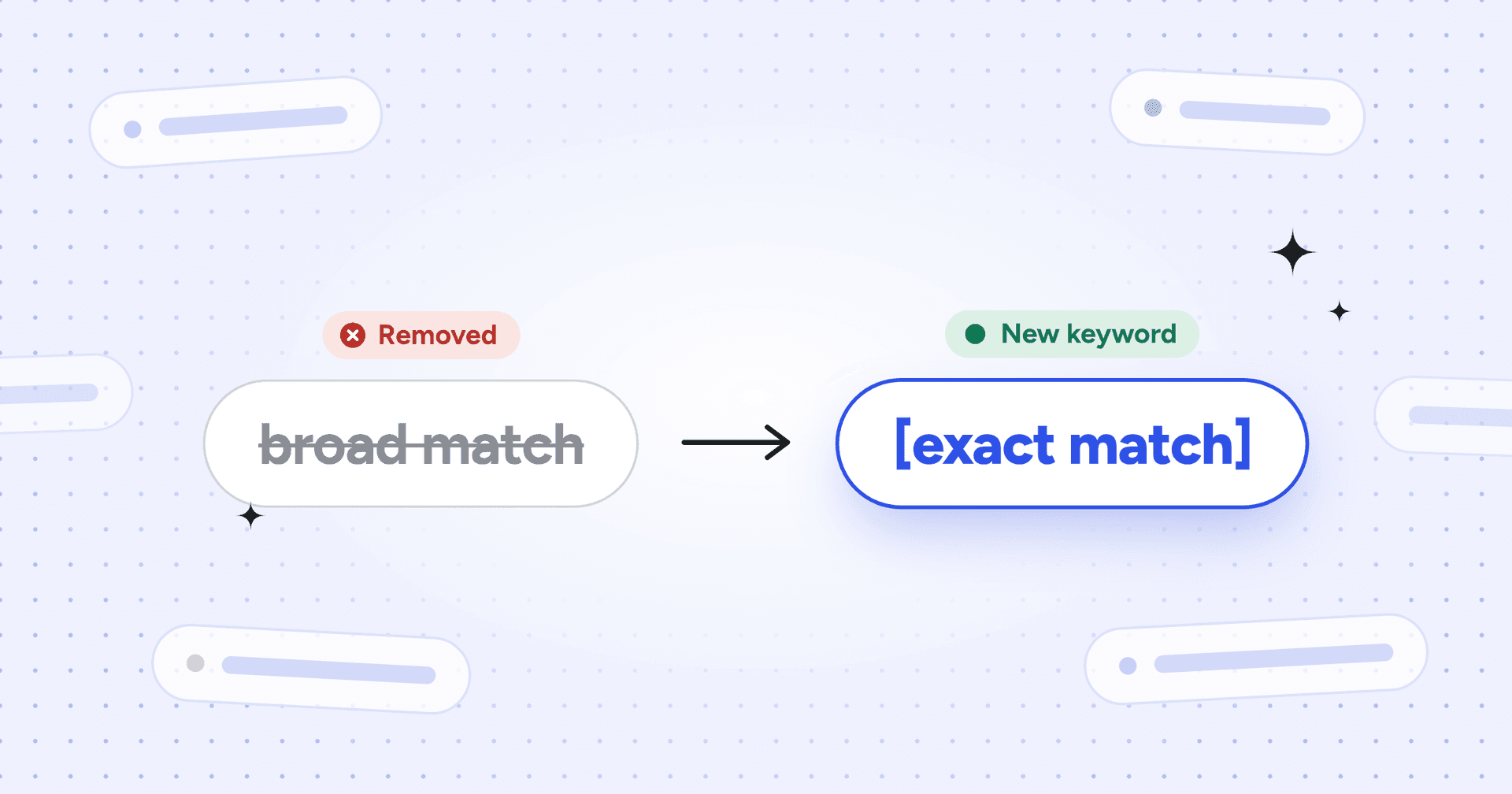
Google's own help docs confirm it: editing a keyword or changing its match type removes the original keyword and creates a new one.
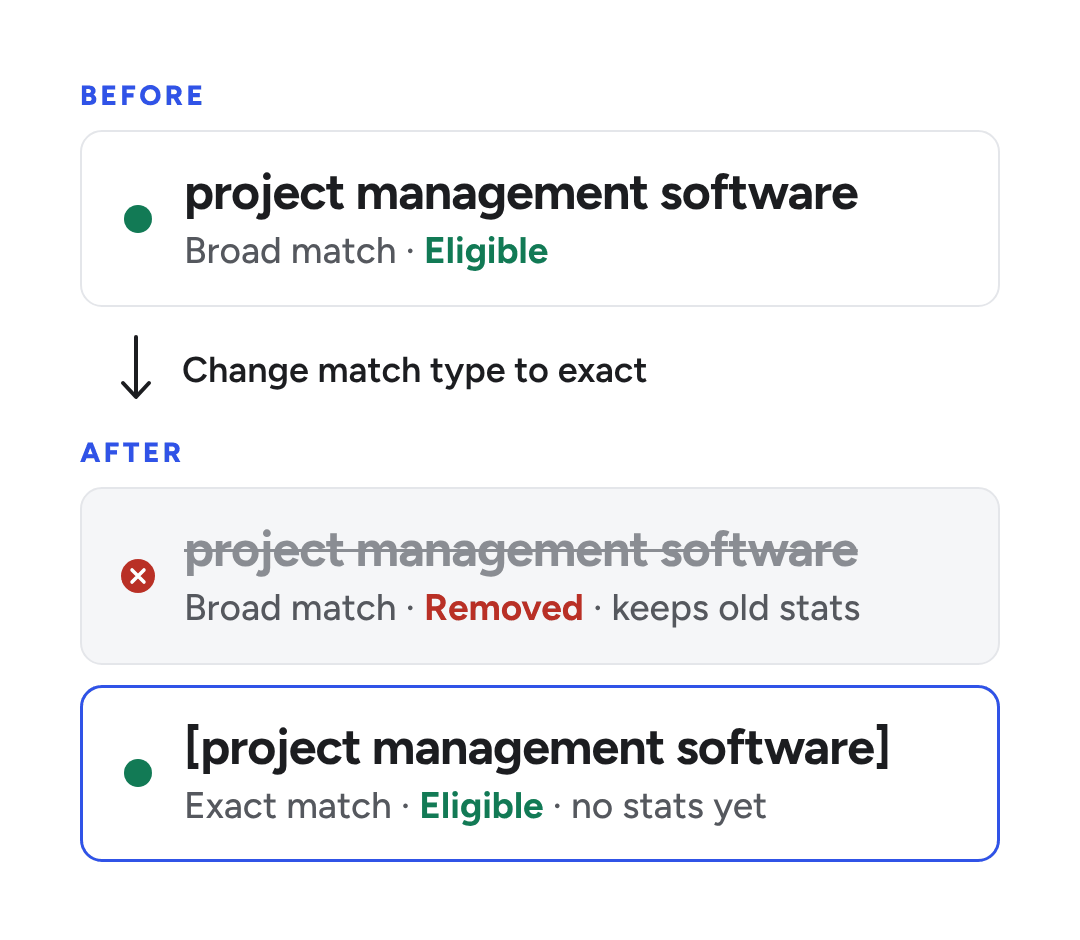
Say you move the broad match keyword project management software to exact. Google Ads makes two separate changes:
It sets the broad match keyword to Removed. Its clicks, impressions, cost and conversions stay attached to it.
It adds [project management software] as a new exact match keyword with no history.
Google has described this behavior before. When it retired broad match modifier in 2021, Google noted that converting those keywords to another match type creates new keywords and removes the old ones. Their stats don't carry over.
Why you can't re-enable the removed keywords
You can pause and restart a keyword as often as you like, but a removed keyword can't be switched back on. Google's keyword status guide sends you to add the keyword again instead. A Google Ads Scripts forum advisor has also said that re-enabling removed keywords is currently not supported.
That's why clicking Enable on those rows fails with a message that begins "Your change was not applicable." A status change can't apply to a removed keyword. Nothing is wrong with your account; those rows are now read-only history.
Other reasons keywords go missing
Google's own replacement isn't the only explanation. Two auto-applied recommendations can remove keywords, Google can pause idle ones, and narrow exact keywords can stop serving. Both recommendations appear on Google's list of auto-apply options.
Auto-applied "Remove redundant keywords"
If your account auto-applies recommendations, Google can remove keywords it considers redundant. Google's list of recommendation types says this one targets keywords that share an ad group, destination and bidding strategy. It can also span match types.
According to Search Engine Land's January 2023 report, the cross-match-type version favors broad match. A phrase or exact keyword can go when a broad keyword covers its searches. That catches teams who add exact versions next to their broad keywords instead of replacing them.
Google also automatically pauses Search keywords that were created over 13 months ago and have had zero impressions in the past 13 months. They show as Paused, not Removed, and you can turn them back on. If they still get no impressions over the next 3 months, Google pauses them again.
Exact match keywords stuck at "Low search volume"
Moving long, specific keywords to exact match can leave them with too few searches to run. Google marks these keywords Eligible (limited), with the reason Low search volume, and they rarely show ads until searches pick up. Nothing has been removed, but Google's own advice for low-volume keywords is to use phrase or broad match instead.
Quick diagnosis: what you see and what to do
Removed keywords stay hidden until you switch the status filter on the Search keywords page from "All but removed" to "All." Google's own help uses the same filter to show removed keyword stats. Then match what's in your Status column to its cause and work across the row.
What you see
Why it happened
What to do
Old version says Removed; the new match type is live
Google replaced the keyword when you changed its match type
Nothing to fix. Switch back to "All but removed" to hide it
Enable fails with "Your change was not applicable…"
Removed keywords can't change status
Add the keyword again instead
Removed, with no enabled version
The replacement was removed later, or the keyword was removed outright
Check Change history, then add it again
Change history shows a recommendation removed an exact or phrase keyword; its broad version is live
Auto-applied "Remove redundant keywords"
Turn off that auto-apply and re-add the keyword
New exact keyword shows Eligible (limited), Low search volume
Too few searches for that exact term
Switch it to phrase match or pick a broader term
Keyword with no traffic for a year is gone
Auto-applied "Remove non-serving keywords"
Turn off that auto-apply if you'd rather prune by hand
Paused with "Keyword paused due to low activity"
It's over 13 months old and had no impressions in that time
Re-enable it or replace it
How to trace a missing keyword and bring it back
With removed keywords showing, check two records to see what changed and why:
Auto-apply history. On the Recommendations page, open Auto-apply settings and then the History tab. It summarizes the recommendations you've opted into and when each was last applied.
To bring a keyword back, add it again in the ad group where it lived. Use match type syntax: plain text for broad, "quotes" for phrase and [brackets] for exact.
Restoring the original version has one upside. Google Ads Editor's help says a removed keyword re-uploaded with the same text and match type keeps its ID and historical stats. It does go back through policy review.
How to change match types without losing track of performance
A few habits keep a match-type change from turning into a cleanup job.
Check auto-apply first. If "Remove redundant keywords" or "Remove non-serving keywords" is on, Google can remove keywords you meant to keep. You can turn either one off on the Recommendations page under Auto-apply settings.
Record the originals before you edit. Download the keyword report or label the keywords you're about to change. That makes it easy to pair each removed keyword with its replacement later.
Decide between replacing and testing. Editing the match type replaces the keyword. To compare first, add the new match type as a separate keyword and pause the original. Paused keywords keep their history and can be restarted; removed ones can't.
Watch the Status column for a few days. Long-tail terms moved to exact can land on "Low search volume." Move those to phrase match early instead of letting them sit idle.
Report on keyword text, not keyword ID. Dashboards treat the old and new versions as two different keywords. Group them by keyword text when you compare performance before and after the switch.
Frequently asked questions
Does changing a keyword's match type delete its data?
No. The data stays with the original keyword, which is now marked Removed. Switch the status filter to "All" to see it next to the new version.
What does "Your change was not applicable" mean in Google Ads?
It can appear when you try to enable keywords that have been removed. Removed keywords can't be enabled or paused, so the fix is to add them again.
Can I undo a match-type change?
Try Change history first: it can undo most changes made in the last 30 days, though some can't be reversed. If Undo isn't offered, re-add the keyword in its original match type to the same ad group. Then pause or remove the new version.
One cause is the auto-applied "Remove redundant keywords" recommendation. Since 2023 it can remove exact and phrase keywords when a broad keyword in the same ad group covers them. Change history shows each recommendation that was applied, so check there to confirm.
Can Google Ads keywords get removed if you add negative keywords?
No, negative keywords only exclude searches; they don't remove your keywords. When a negative blocks one of your keywords, Google's "Remove conflicting negative keywords" recommendation targets the negative, not the keyword. A keyword that's blocked completely earns no impressions, though, so after a year the auto-applied "Remove non-serving keywords" recommendation can remove it.
The bottom line
A keyword that turns Removed after a match-type change hasn't been lost. It's been replaced, and its history is still in your account. If keywords keep vanishing without any edit from you, check your auto-applied recommendations first.
We’re a B2B SEO and AEO agency. Book a free 30-minute call with a senior consultant: we look at your site before we talk, so you leave knowing what to fix first.

 best project management software